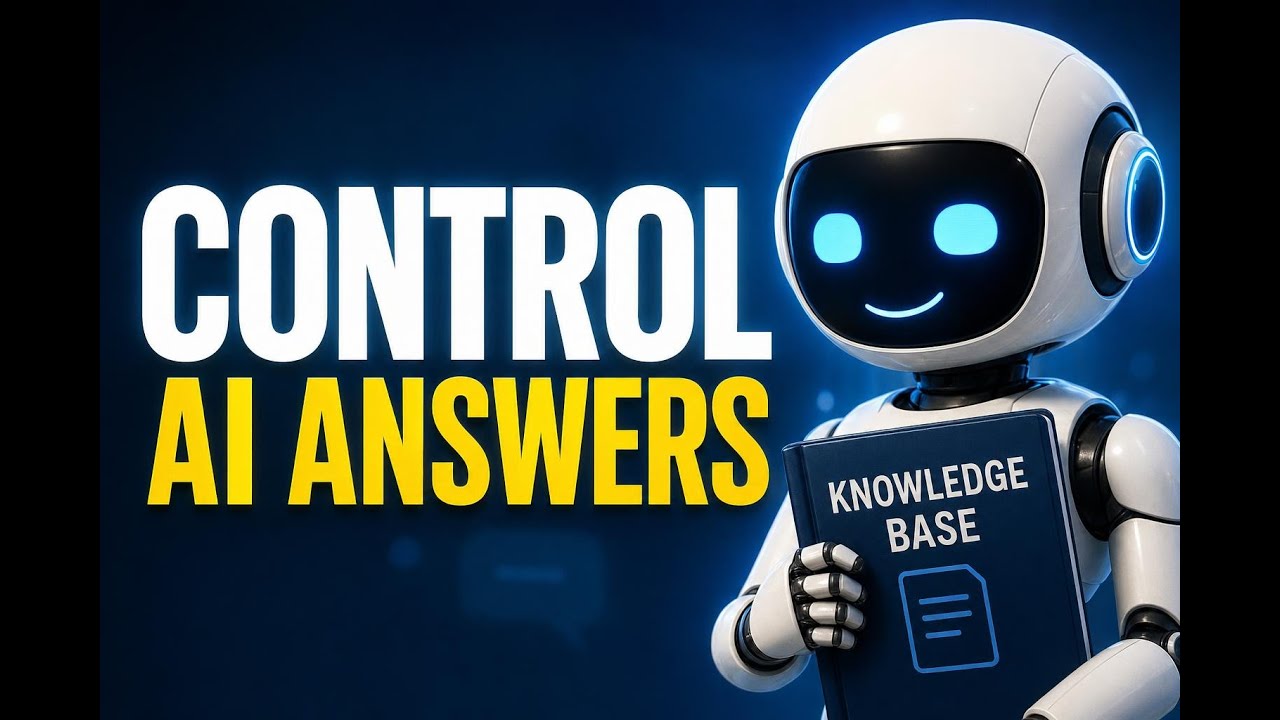
Control AI chatbot reply length: concise, balanced, or detailed
Use Pinnacle's Response Style Settings to set concise, balanced, or detailed AI replies—soft limits that adapt to context for clearer support, onboarding, and product guidance.

Use Pinnacle's Response Style Settings to set concise, balanced, or detailed AI replies—soft limits that adapt to context for clearer support, onboarding, and product guidance.

Route customer replies precisely with the new All-in-One Chat filters. Learn how to select Reply Channel, set Chat Type (Chat Widget or Live Chat), and update workflows with step-by-step setup, migration checklist, and best practices.

Connect Manus AI directly to Pinnacle to trigger workflows, update tasks, and steer AI-driven automation. Quick setup, practical examples, and best practices included.

Learn how to find Deleted entries in Audit Logs for sections, templates, and elements. Filter by module, action, and timeframe to trace deletions and improve accountability.

Learn how to add prospects to a pipeline at creation to eliminate duplicate entries, trigger automations instantly, and centralize reporting—step-by-step guide.

Show up to 100 products per page in Sites to reduce pagination, improve product discoverability, and speed desktop browsing. Learn when to use it and how to adjust the Layout slider.

Innovation
Fresh, creative solutions.

Integrity
Honesty and transparency.

Excellence
Top-notch services.
Copyright 2026. Pinnacle Ai. All Rights Reserved.