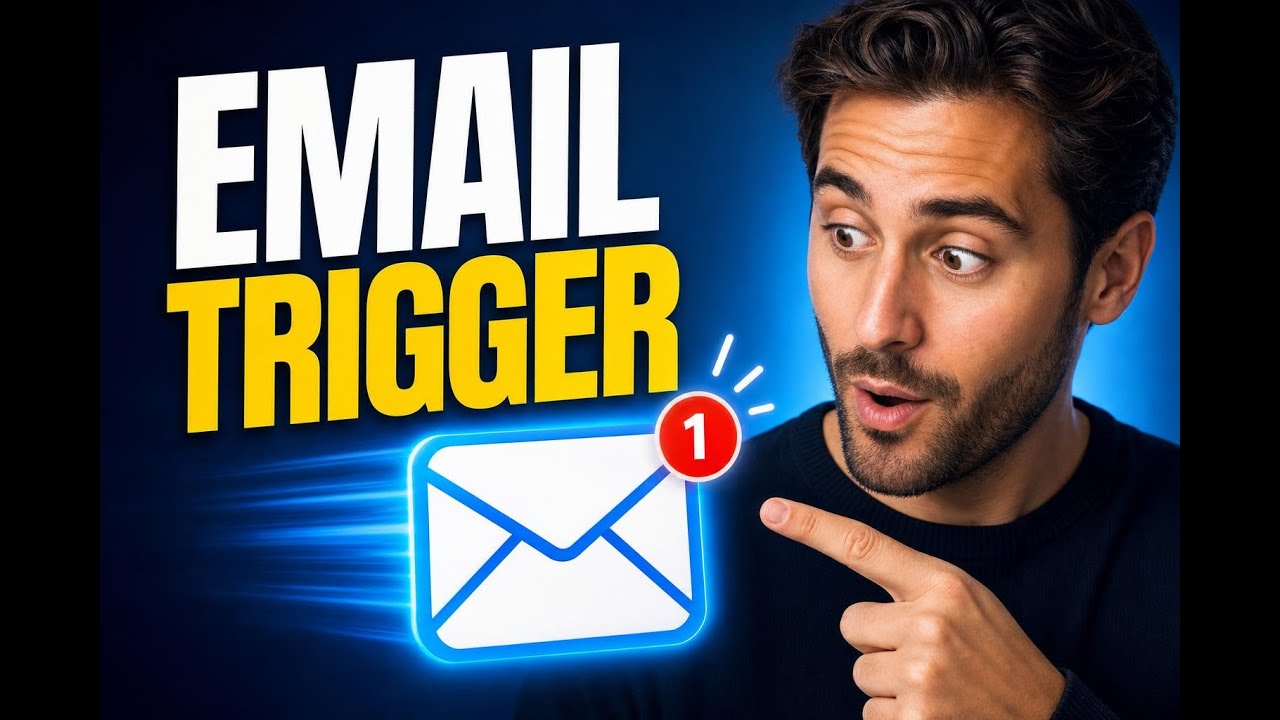
Inbound Email Trigger: Automate Replies and Start Workflows

Learn how an Inbound Email Trigger starts workflows the moment an email arrives—capturing leads, routing support requests, and automating follow-ups with filters and advanced settings.

Learn how an Inbound Email Trigger starts workflows the moment an email arrives—capturing leads, routing support requests, and automating follow-ups with filters and advanced settings.

Learn how to add funnel pages inside your course to boost upsells and lead capture. Keep learners engaged with seamless calls to action and conversion-focused next steps.

Learn how the Forecast tab in Opportunities uses probability-based forecasting to predict expected revenue, reveal pipeline health, and flag at-risk deals—plus tips to fix forecast data gaps and improve accuracy.

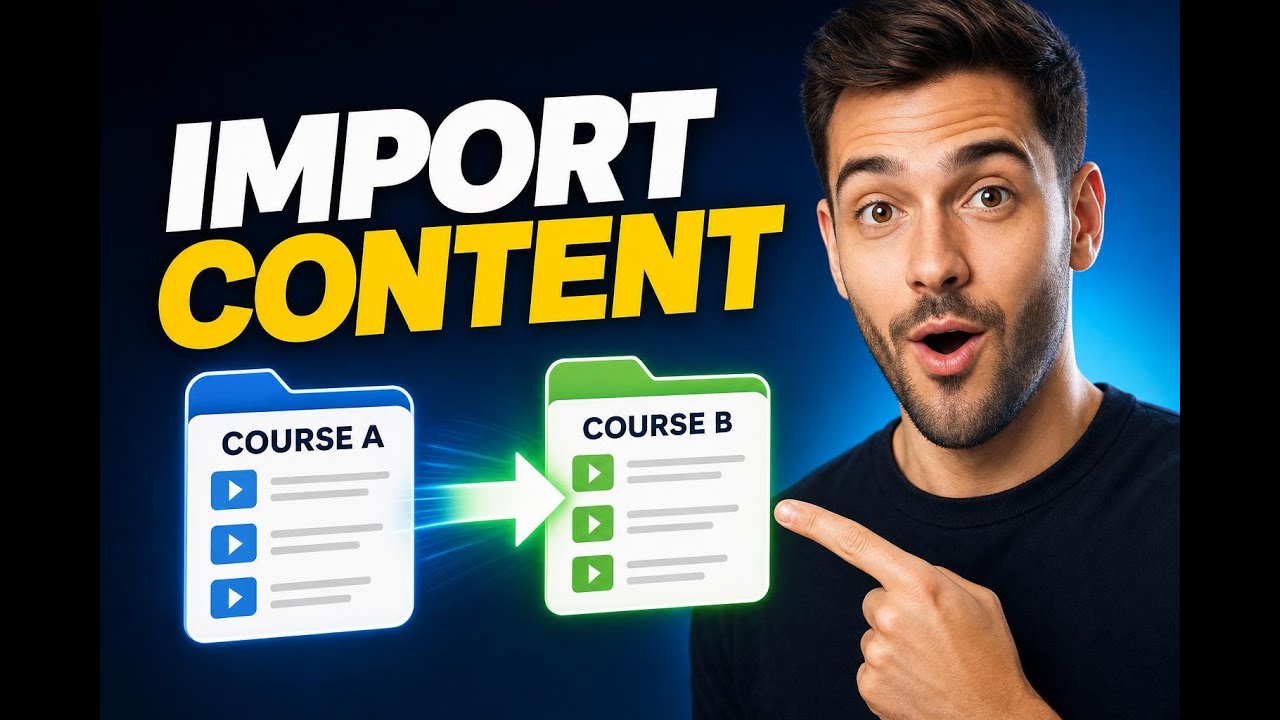
Learn how to import lessons, modules, or entire course structures from one course into another inside the builder—so you can build faster, stay consistent, and customize where it matters.

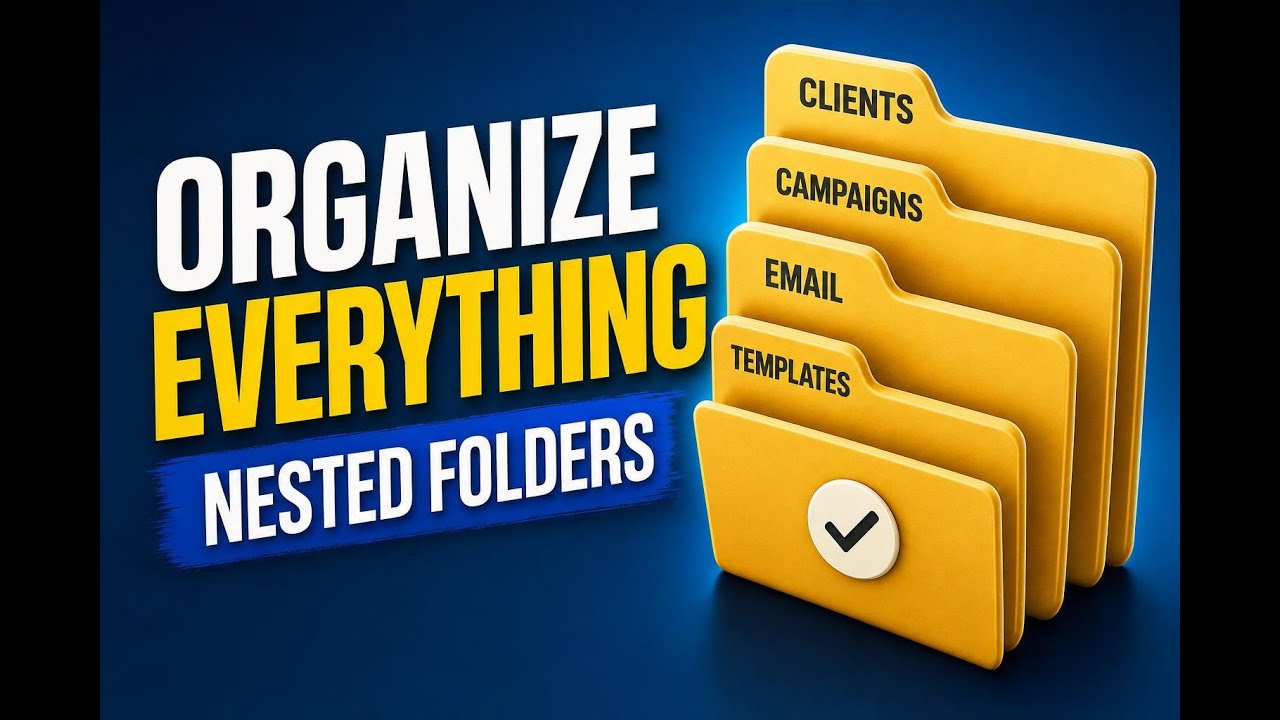
Learn how Pinnacle supports nested folders for email campaigns and templates with 5+ levels. Get practical steps to organize assets, reduce clutter, and scale across clients.

Learn how Knowledge Base triggers help conversation AI pull the right content under the right conditions—improving accuracy, standardizing responses, and boosting reliability. Includes steps for setting triggers in Pinnacle.

Innovation
Fresh, creative solutions.

Integrity
Honesty and transparency.

Excellence
Top-notch services.
Copyright 2026. Pinnacle Ai. All Rights Reserved.