





Disable Workflow Nodes: Pause Steps Without Breaking Automations

Why this feature matters
We at Pinnacle Ai built node-level pause controls so teams can test and troubleshoot workflows without risking lost work or broken logic. Previously, stopping a step often meant deleting or disconnecting it. That created gaps and required rebuilding steps later. Now, pausing a node keeps its configuration intact while letting contacts follow only the active paths.
How it works
Disabling a node temporarily removes it from execution but does not delete or alter its settings. The behavior is simple and predictable:
- Skipped when inactive: If a disabled node is the only path to downstream steps, contacts skip it and continue through the active nodes.
- Visually dimmed: Disabled nodes are visibly dimmed in the builder so you can spot paused steps at a glance.
- Reactivate anytime: When you re-enable a node, it runs normally again without further configuration.
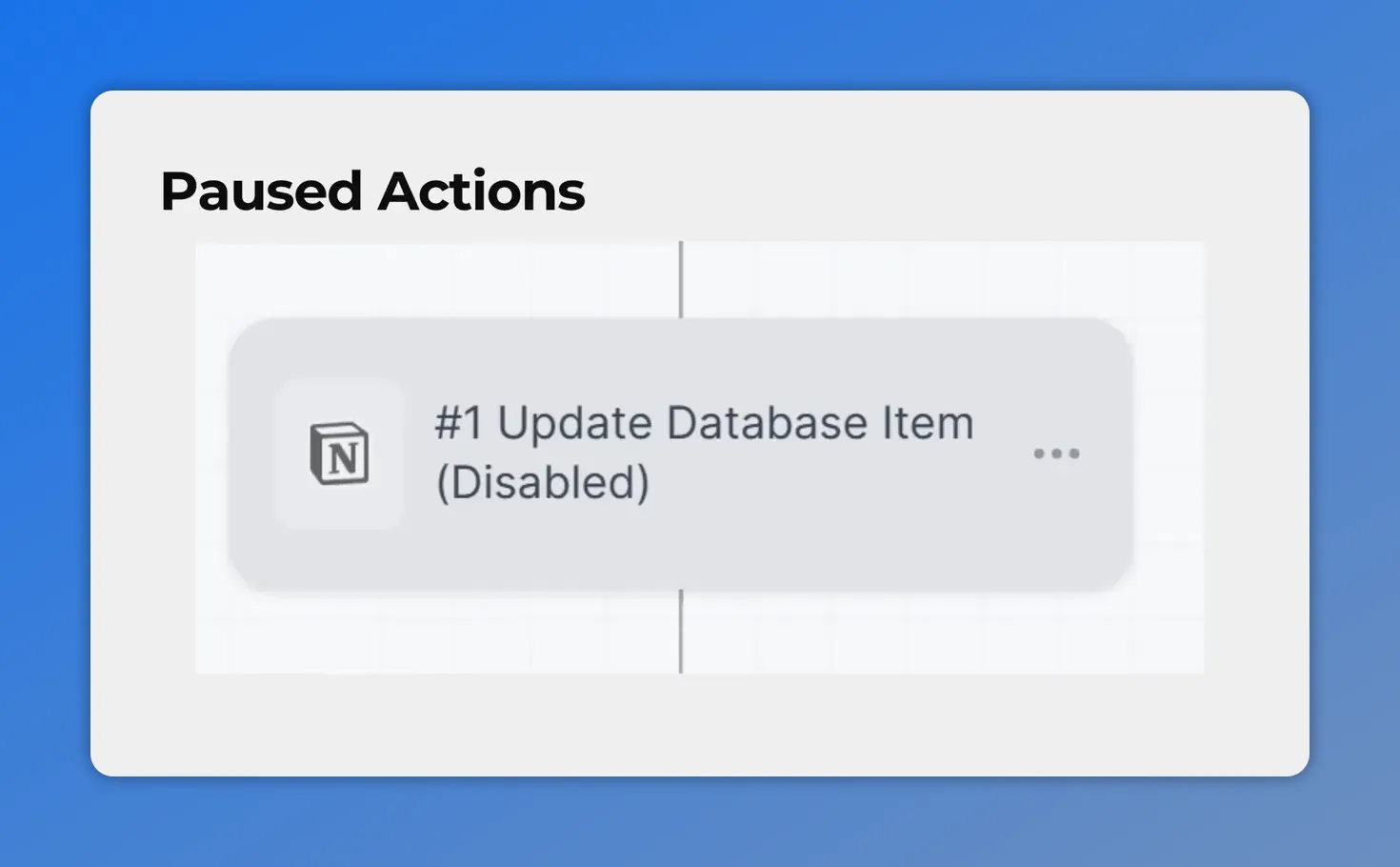
Disabled node close-up showing the action marked “(Disabled)”.
Step-by-step: Pause or resume a node in the Standard Builder
Follow these simple steps to pause an action inside a workflow.
- Open the Workflows tab. Go to the Automation section and edit any regular workflow.
- Hover over the node. In the Standard Builder, move your cursor over the node you want to pause or resume.
- Click Pause or Play. Click the pause icon to disable the node. Click the play icon to reactivate it.
- Save changes. If the workflow is published, save your changes to apply them.
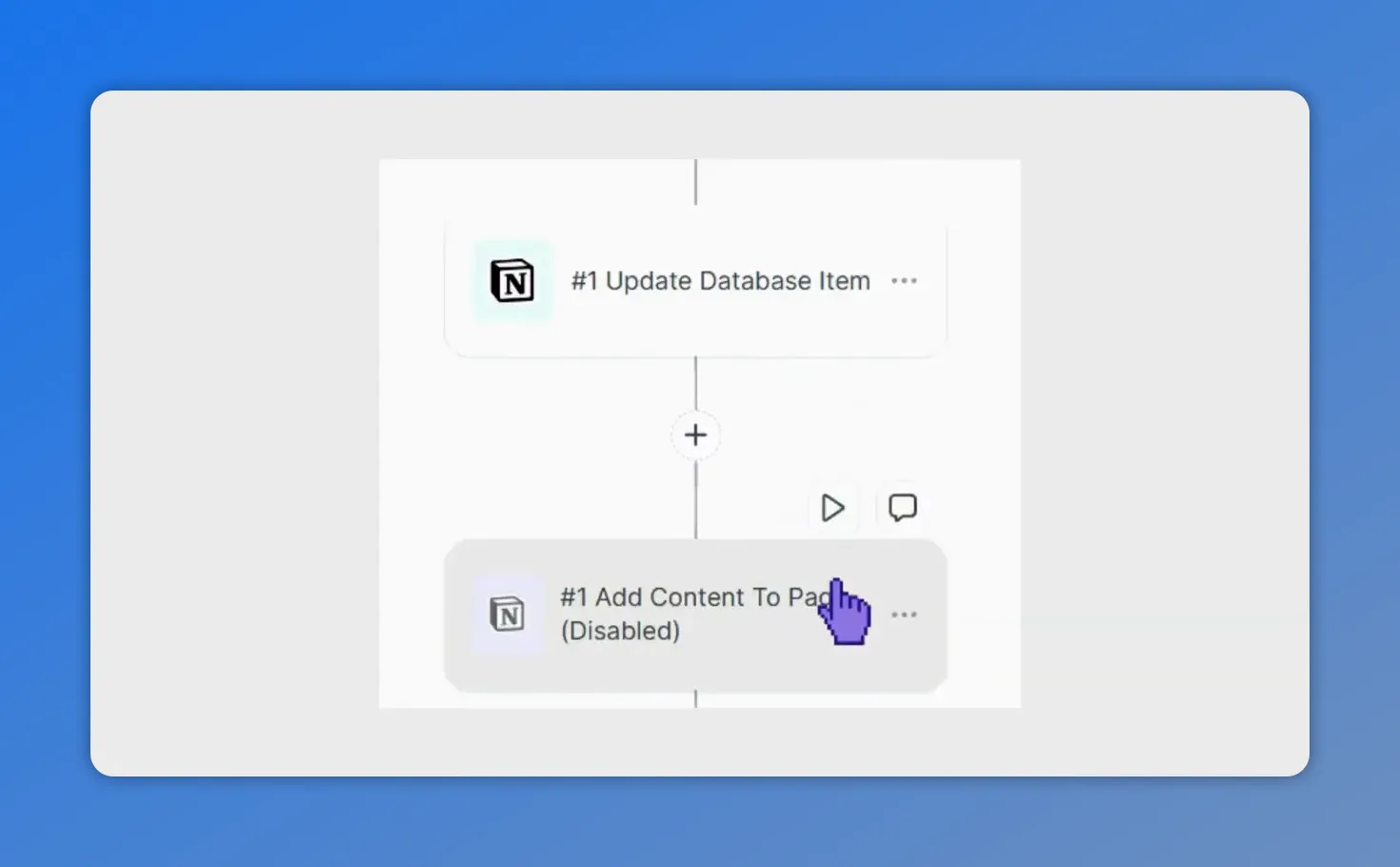
Disabled node with the play icon visible — click to resume the step.
Practical examples and when to use it
- Testing new messaging: Pause an email send to validate new copy in a later step without interrupting the rest of the sequence.
- Isolating issues: Disable a suspected step to confirm whether it is causing a routing or data problem.
- Rolling back safely: Temporarily pause complex actions while you refine logic, then re-enable them when ready.
Tips for smoother testing and iteration
- Track paused nodes visually before publishing to avoid unexpected behavior in live automations.
- Use node pauses to create controlled experiments without rebuilding branches.
- Combine pauses with versioned copies of workflows for safe A/B testing.
FAQ
What happens to contacts when a node is disabled?
If the disabled node is the only route to downstream steps, contacts skip it and continue along active paths. No contacts get stuck at the paused step.
Can disabling a node break my workflow?
No. Disabling a node does not delete its settings or connections. Contacts will bypass the paused node and follow active branches. That prevents broken logic caused by removing or disconnecting steps.
Do disabled nodes retain their configuration?
Yes. Paused nodes keep all their settings and content. You can re-enable them later and they will run as configured.
Do I need to save when I edit a published workflow?
Yes. If you pause or resume nodes in a published workflow, save your changes to apply them to live contacts.
Is this behavior the same as the advanced builder?
The pause and resume behavior mirrors what advanced users expect. We brought the same control into the Standard Builder for faster testing and safer troubleshooting.
Final notes
This feature is designed to give teams confidence when modifying automations. Pausing nodes is a low-risk way to experiment, isolate problems, and iterate faster while preserving your workflow structure. Try pausing a node in any workflow and observe how contacts follow active paths.
This article was created from the video Disable Workflow Nodes: Pause Steps Without Breaking Automations








