





Gradient & Blur Backgrounds in Page Builder
Having a modern and eye-catching site helps you drive interest in your pages, so we’re glad to introduce this update to give you added control over your layouts. Improving the tab’s organization, providing layered color builds, and adding flexibility to your builds. Sounds interesting? Let’s give it a check!
⭐️How Will These Changes Affect You?:
Multi-color Gradients: Build gradients with up to ten colors for smooth, dynamic backgrounds.

Background Tabs: Existing background images and videos continue to function as before; however, they are now neatly organized into tabs for easier editing.

Gradient Styles: You can select from Linear, Radial, and Angular, combined with the color selection and color mixing bar for various design aesthetics.
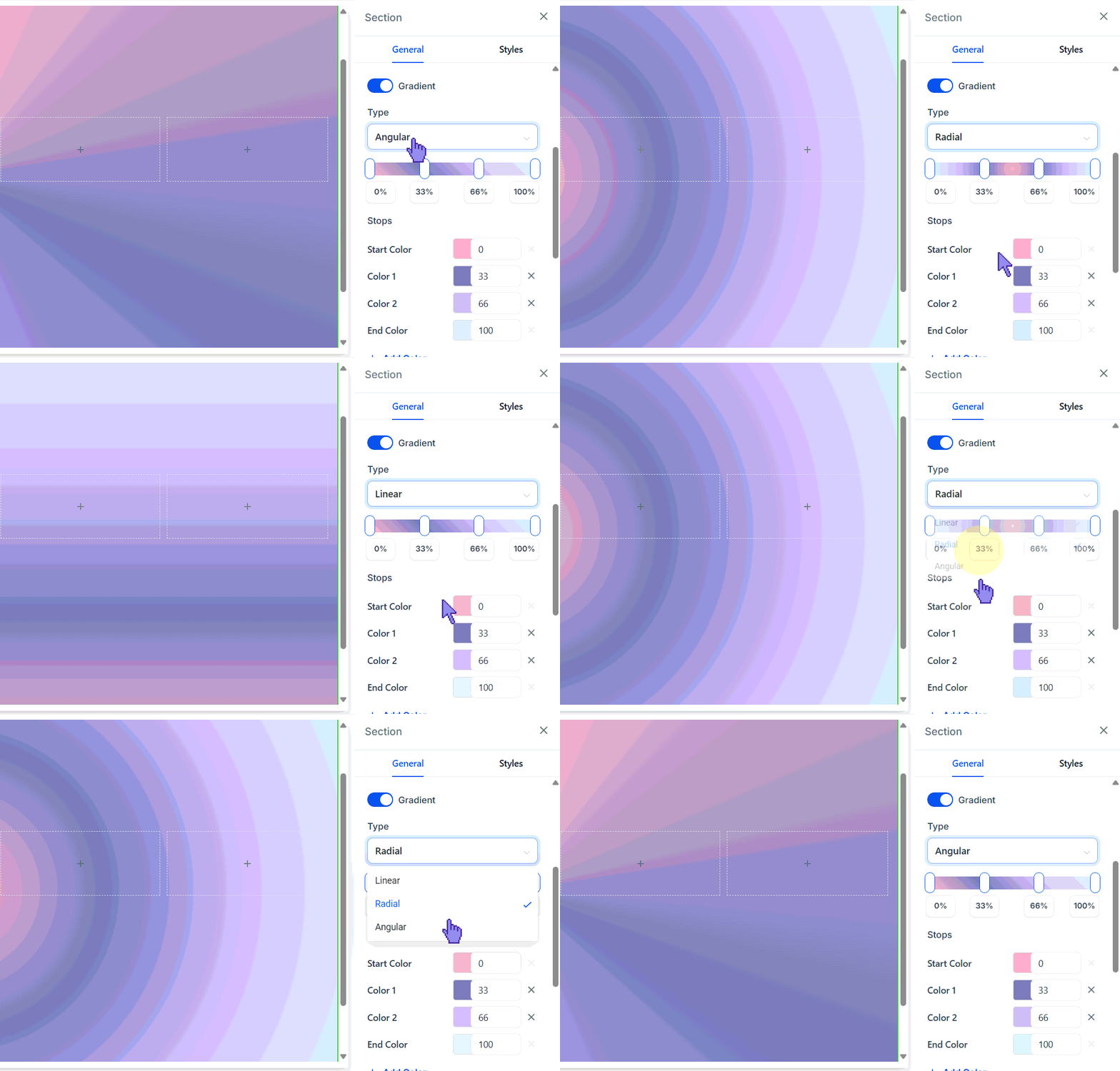
⭐️How To Apply A Gradient Background To Your Page?
Creating perfect visuals for your sites has never been easier. Let’s customize the page’s background with this new feature.
Click the Section or Column you want to edit the background of to open the settings section on the right side.
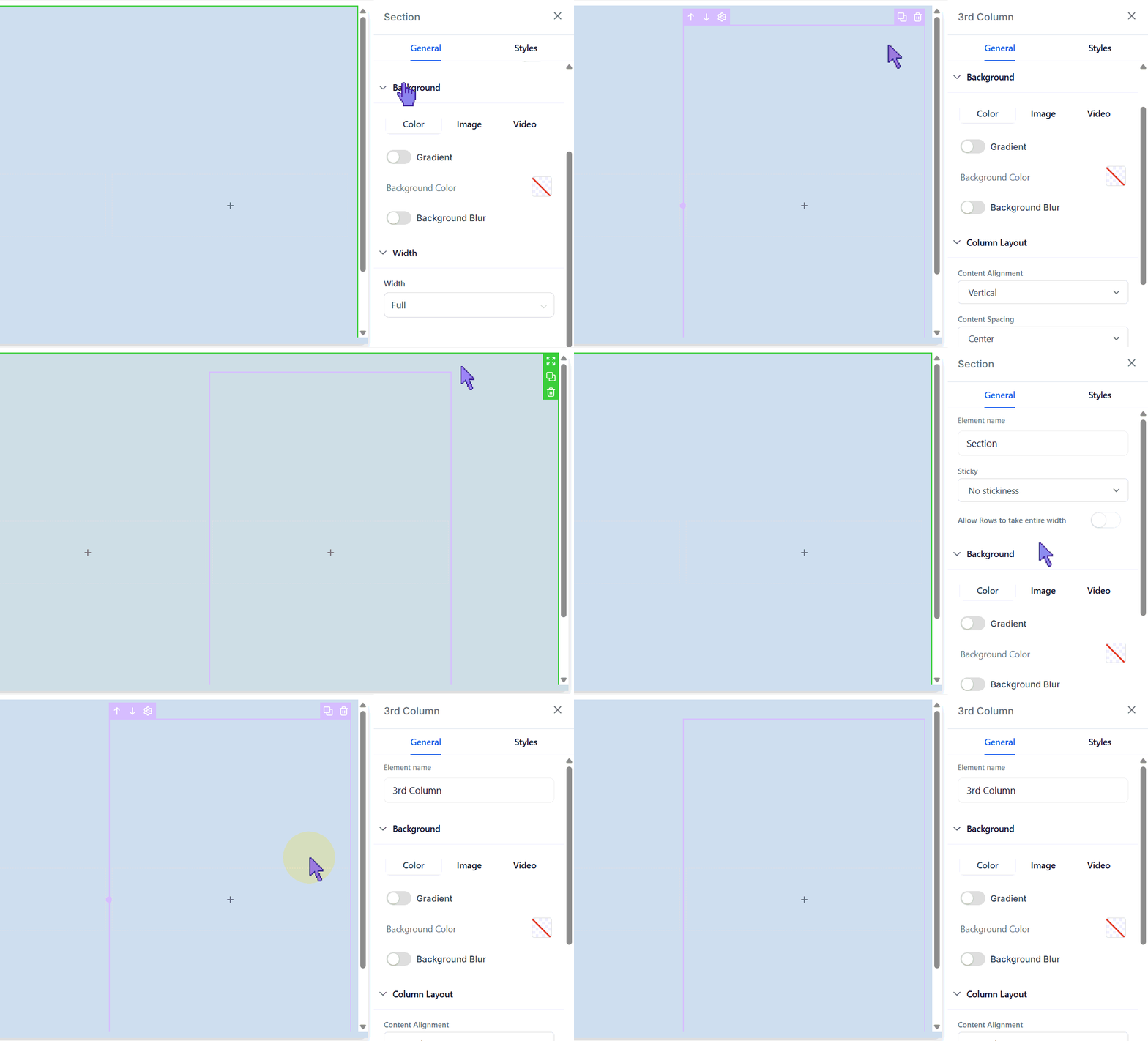
In the Background section of the General settings, toggle Gradient on.

Select the colors and gradient type for your background.

Use the Blur toggle and intensity levels to soften and modify the background.
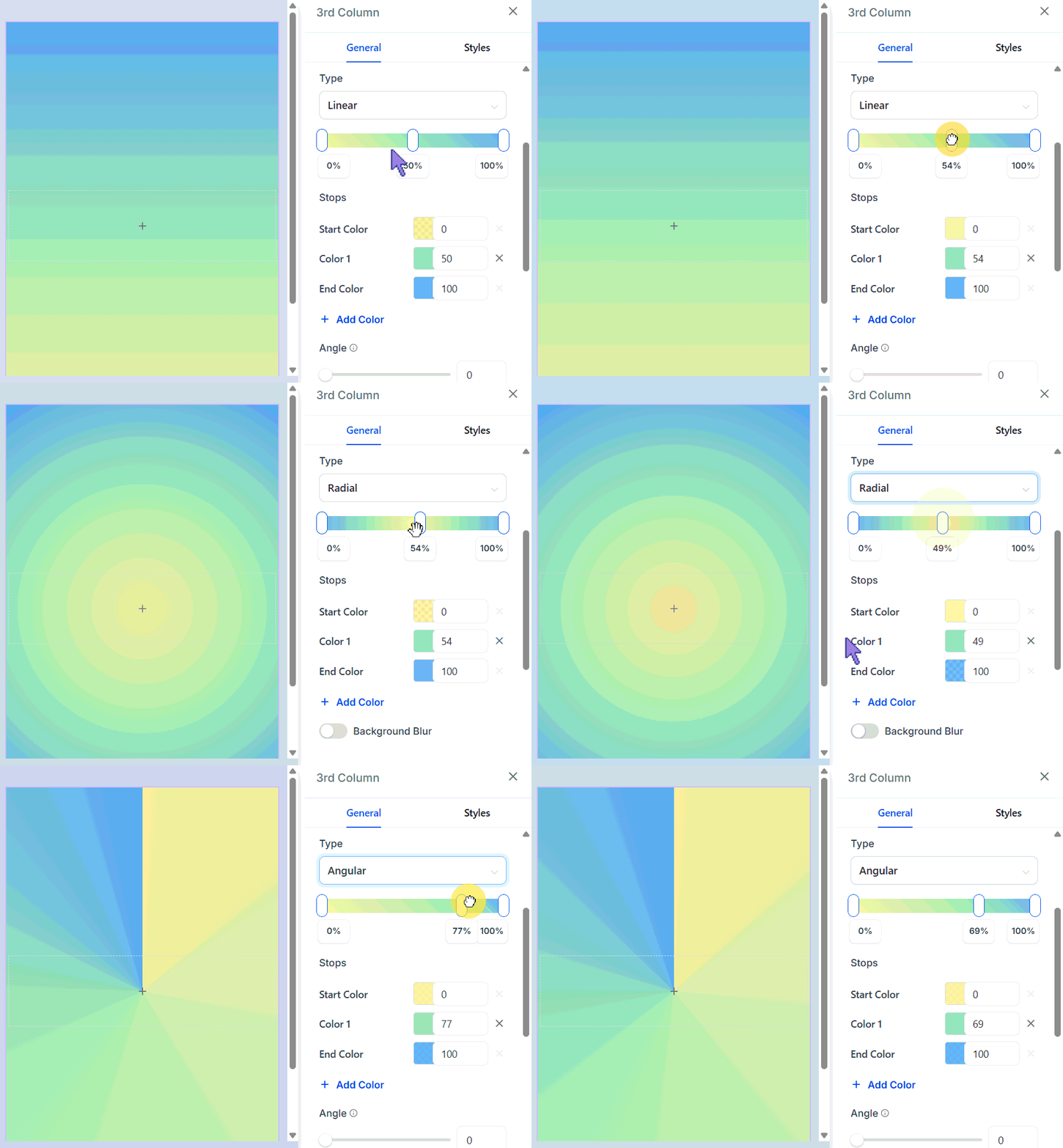
Whether it is a subtle blur for depth or vibrant gradients for impact, you now have the flexibility built right into the editor. Easily switch between Color, Image, and Video and color layers for a streamlined editing experience. We hope you enjoy it!








