





Client Approvals Without Logins: Magic Links for Social Posts
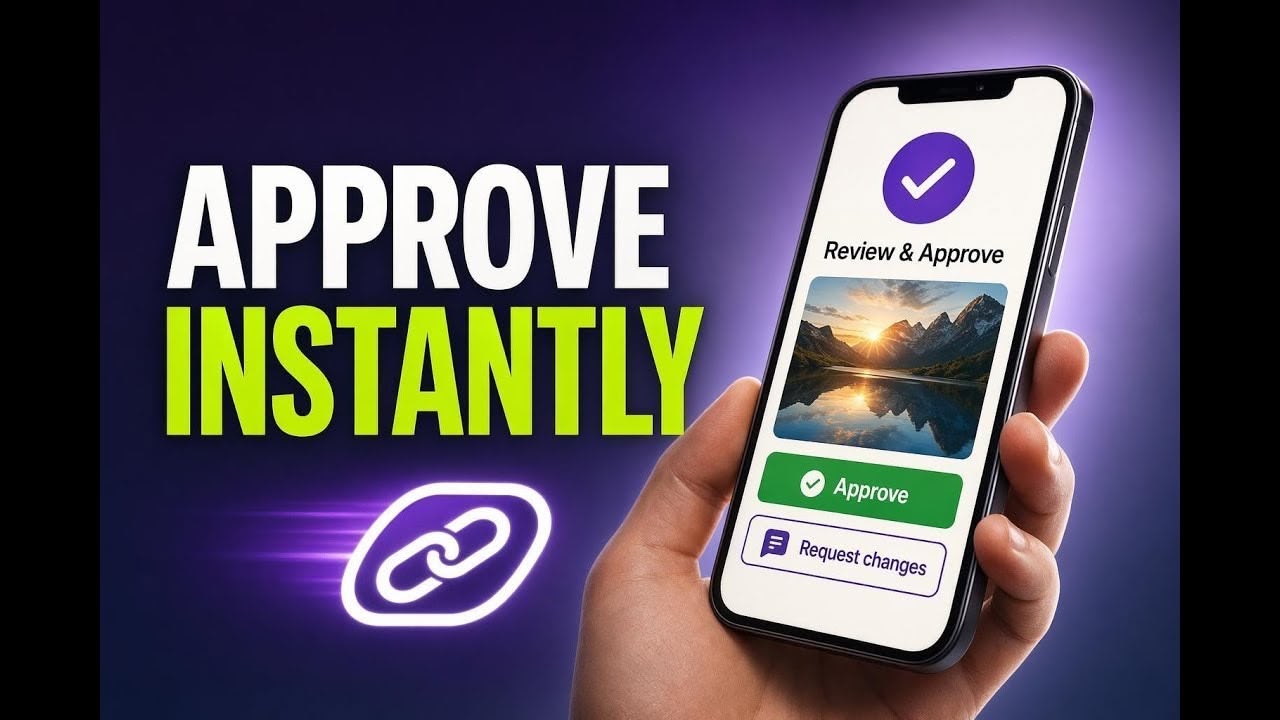
Approvals should not slow down content production. But that often happens when clients or stakeholders need to sign in to a CRM just to review a few social posts.
Our updated approval flow in Pinnacle Social Planner removes that friction. With secure magic links, clients and stakeholders can review, approve, or request changes without needing a login.
This keeps the process simple for everyone involved while still giving teams control over access, timing, and approval history.
Why this approval update matters
Before this change, working with people outside your CRM could feel cumbersome. Teams often had to rely on screenshots, long email threads, and scattered feedback.
That creates delays. It also makes it harder to keep approvals organized.
Magic link approvals solve that by giving external approvers a secure way to review content outside the platform, without creating user accounts or logging in.
No login required for clients and stakeholders
Password-protected access for better security
30-day expiration to keep access controlled
Cleaner collaboration with fewer screenshots and email chains
Faster approvals so posts can go live on time
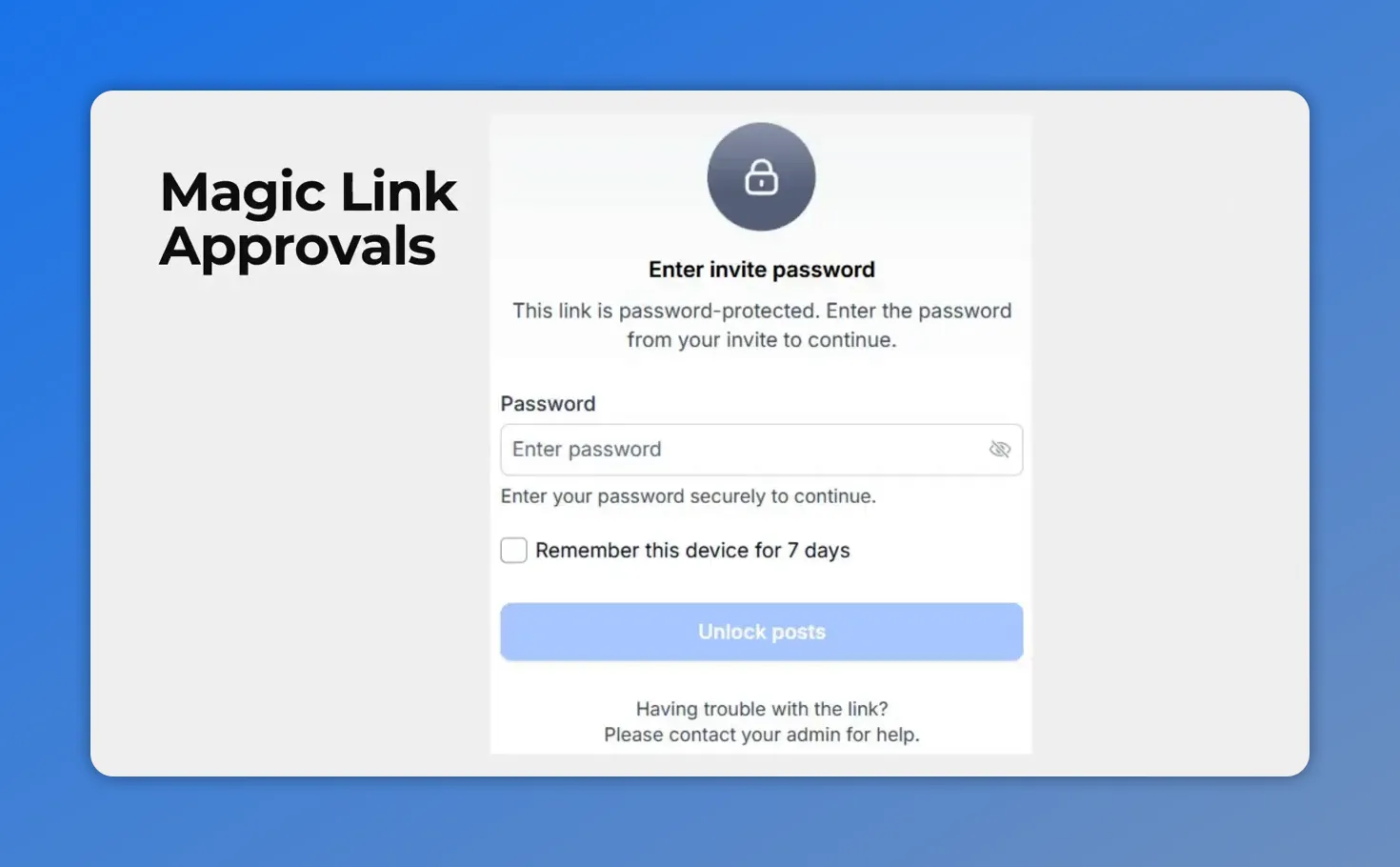
Magic link approvals can be password-protected, so external reviewers get access without needing a CRM login.
What changed in the Social Planner approval flow
The new approval flow is built around a secure shareable link. Once generated, that link gives the approver access to the relevant posts without requiring platform login.
Each link is designed to stay safe and manageable:
It can be password protected
It expires after 30 days
It supports review, approval, and change requests
This is especially useful when content needs sign-off from people who are involved in the creative process but do not need full CRM access.
Better decisions with bulk actions and rich post previews
The update is not only about easier access. It also improves how approvals happen.
Approvers can use bulk actions to approve or reject all posts at once. That makes a big difference when reviewing a campaign with multiple scheduled pieces of content.
And because the approval experience includes a rich post preview, approvers can make decisions with more context. Instead of working from screenshots or fragmented notes, they can review the post details in a format built for approval.
That means fewer misunderstandings and quicker turnaround.
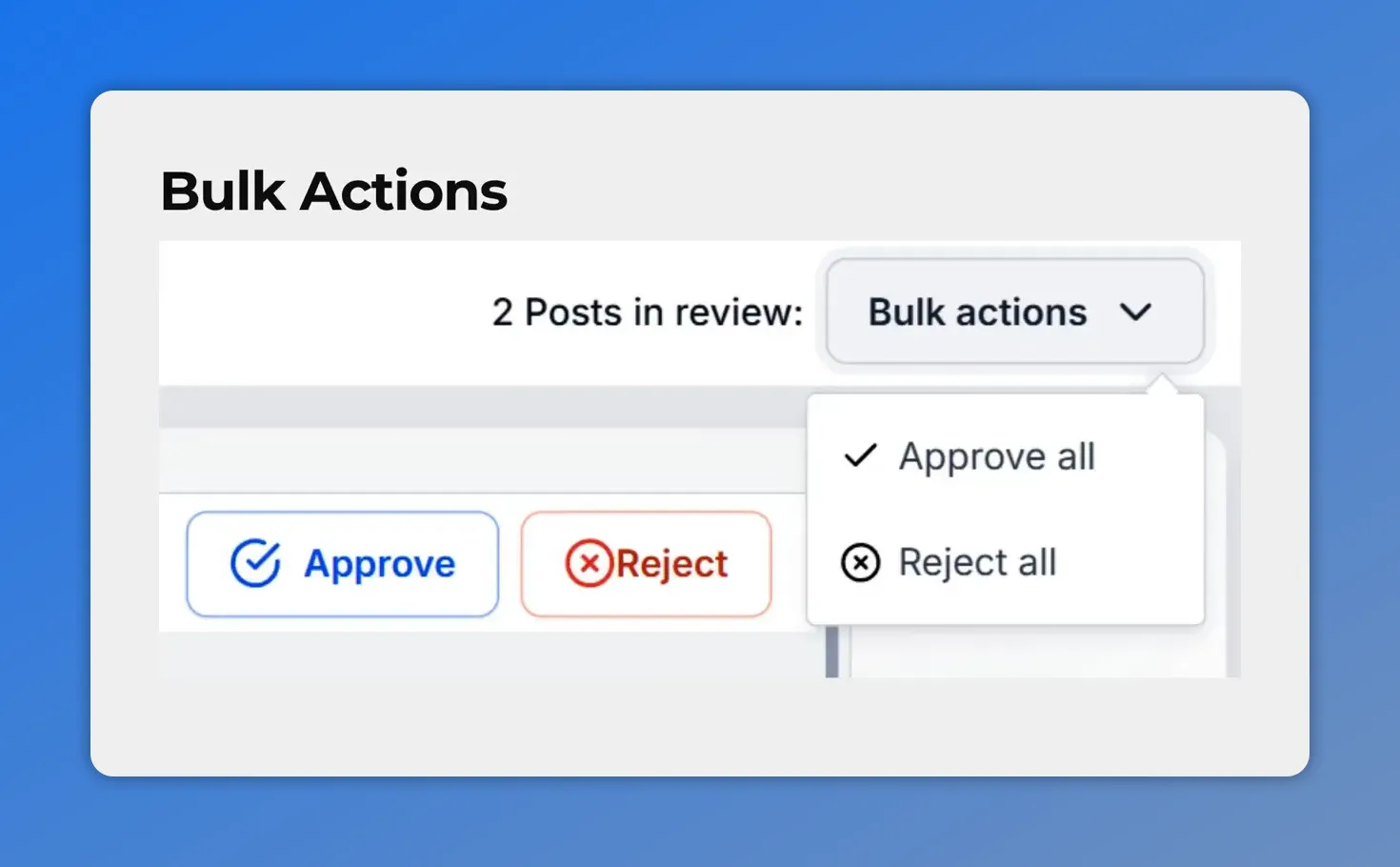
Approvers can act on multiple posts quickly using bulk actions like approving all or rejecting all.
Manage every approval link in one place
Once a link is sent, teams still need control. That is where the Manage Links section comes in.
This gives you a central place to monitor and manage every approval link you create.
View the status of each link
Regenerate a link if needed
Revoke access to stop access immediately
Extend validity when an approval window needs more time
That level of control helps keep the process secure while staying flexible for real-world client workflows.
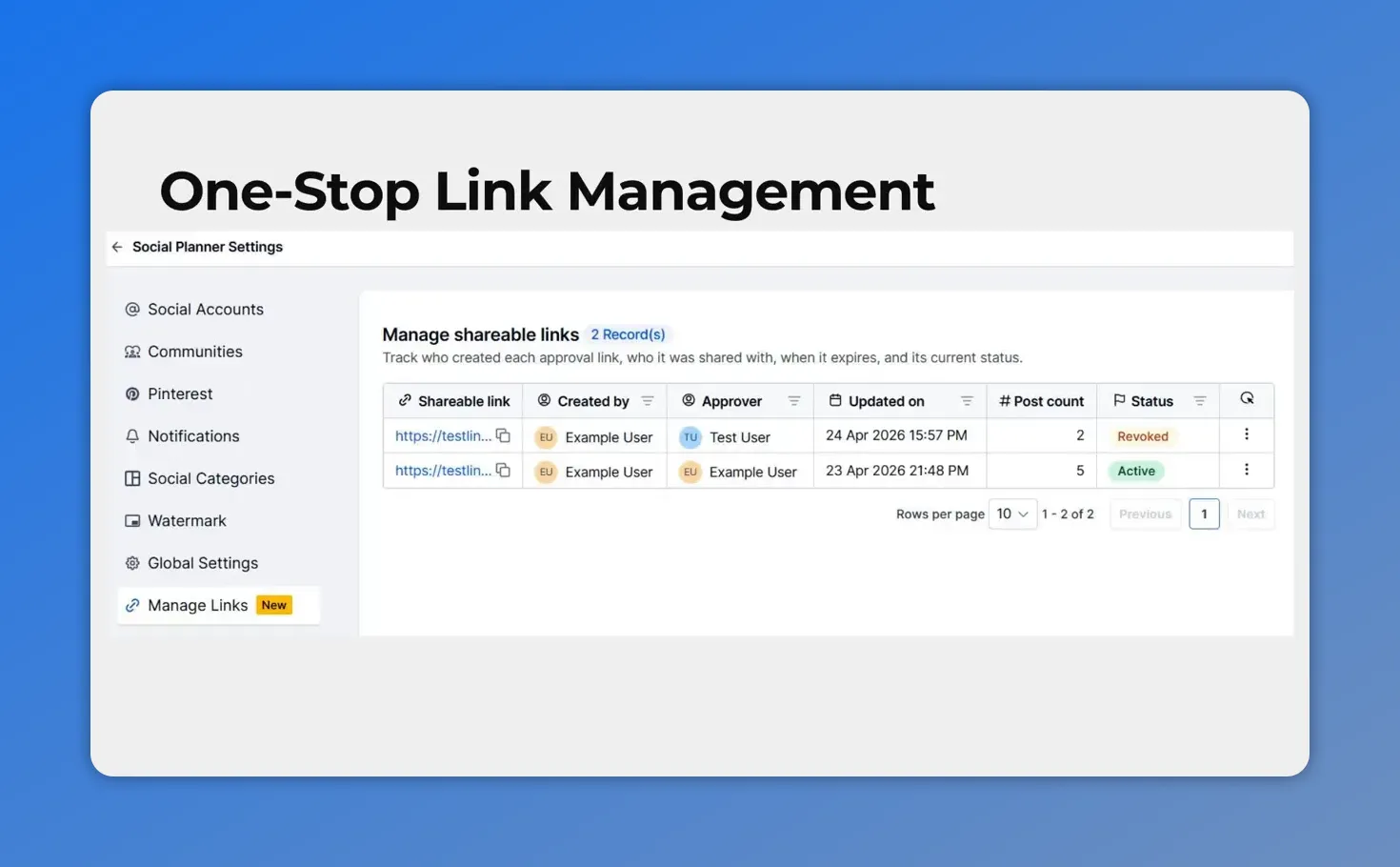
In the Manage Links area, you can track every approval link—who it was sent to, its status, and related post details.
How to generate a password-protected approval link
Creating a shareable approval link in Pinnacle Social Planner is straightforward.
Go to the Approval tab under the Content section of your Social Planner.
Select the approver from the dropdown.
Click Generate shareable link.
Choose how you want to set the password.
Click Generate link.
Copy the invite or send it directly by email.
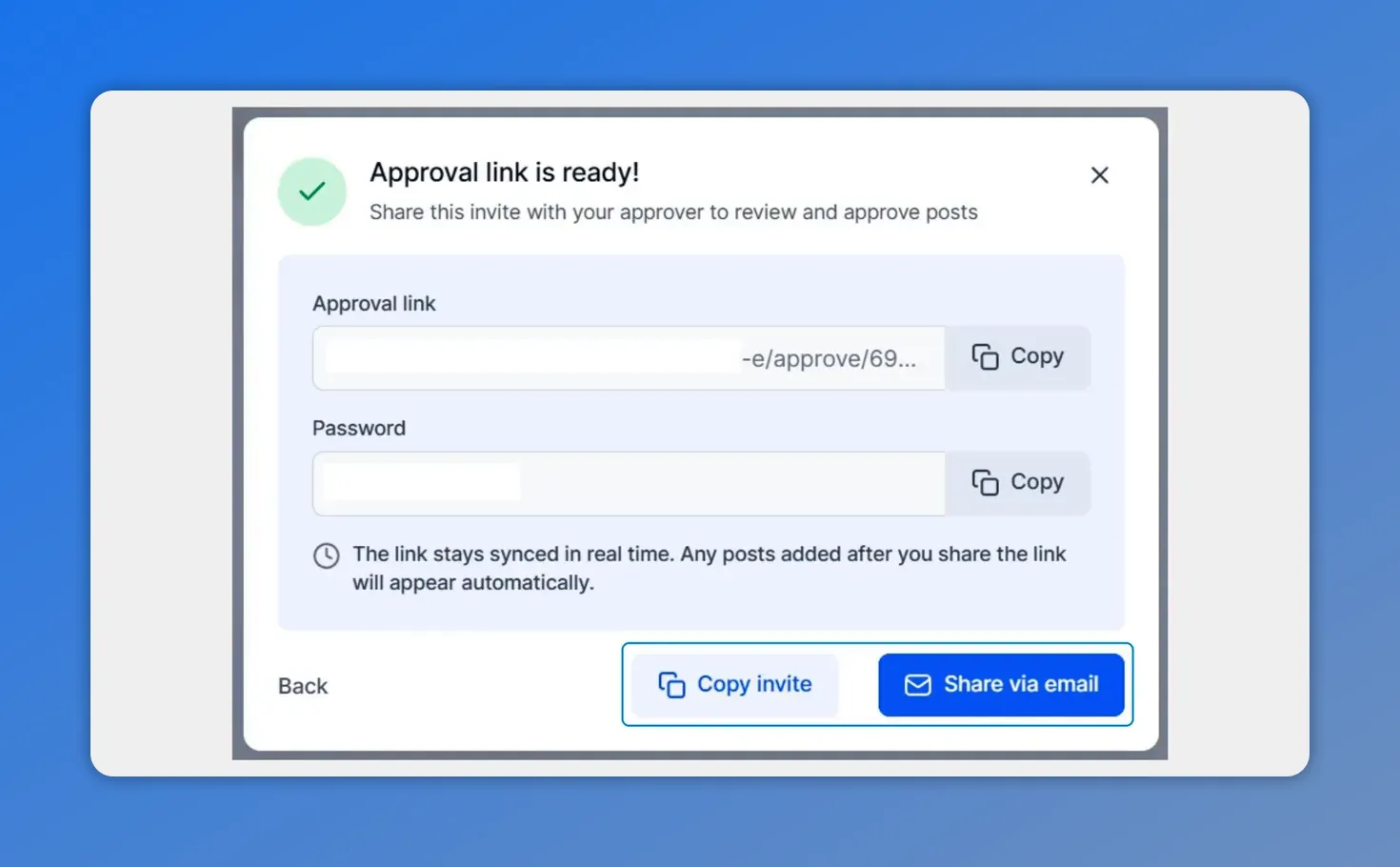
Once created, you’ll see the approval invite link and password ready to copy or share by email—so approvers can review immediately.
That is all it takes to give someone secure access to review content without needing a login.
How this improves collaboration with clients and stakeholders
When approvals are easy, collaboration gets better.
Clients can review content quickly. Stakeholders can respond without extra setup. And your team can keep the work moving instead of chasing approvals across inboxes and message threads.
This update is meant to reduce the usual friction points:
No more sending screenshots for every post
No more piecing together feedback from scattered emails
No more unnecessary platform access for outside contacts
What you get instead is a cleaner, faster approval workflow that is easier to manage and easier for clients to use.
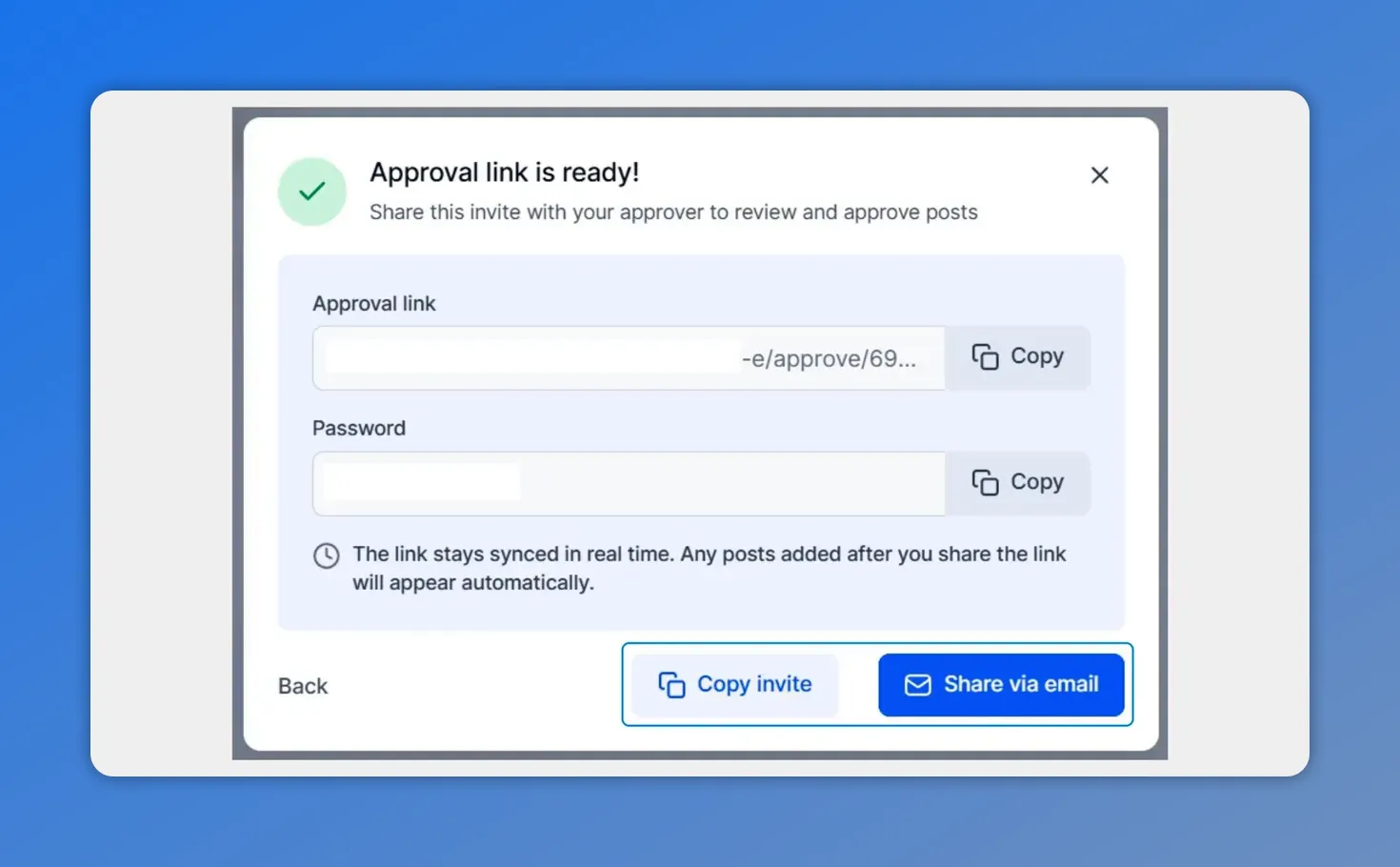
Approvals start with a secure magic link you can share with your client or approver—so they can review and approve without needing a CRM login.
When to use magic link approvals
This approval flow is useful any time content needs sign-off from someone outside your CRM.
Common use cases include:
Client review of scheduled social content
Stakeholder approval before campaign launch
Multi-post campaign review where bulk approval saves time
Situations where secure but temporary access is important
It is a practical way to keep approvals auditable and organized without adding unnecessary steps.
A simpler approval workflow inside Pinnacle
Magic link approvals help teams move faster while keeping control where it belongs. External approvers get an easier experience. Internal teams get a clearer workflow. And everyone spends less time dealing with access issues.
If your current process still depends on screenshots, email back-and-forth, or manual follow-up, this update gives you a cleaner option.
Open your Social Planner and try magic link approvals on your next campaign.
FAQ
Do clients need a Pinnacle login to approve social posts?
No. The updated approval flow uses secure magic links, so clients and stakeholders can review, approve, or request changes without logging in.
Are the approval links secure?
Yes. Approval links can be password protected and they expire after 30 days, which helps keep access controlled and temporary.
Can approvers review multiple posts at once?
Yes. The approval format supports bulk actions, so approvers can approve or reject all posts at once when needed.
What is the benefit of the rich post preview?
It gives approvers better context when reviewing content. That helps them make clearer decisions than they would from screenshots or partial information.
Where can we manage approval links after sending them?
You can manage them in the Manage Links section, where you can view link status, regenerate links, revoke access, or extend validity.
How do we create a shareable approval link in Social Planner?
Go to the Approval tab under Content, choose the approver, click Generate shareable link, set the password option, and then generate the link. After that, you can copy the invite or send it by email.
This article was created from the video Client Approvals Without Logins: Magic Links for Social Posts








